

Account settings
Manage your profile, company details, connected accounts, and billing in one place.
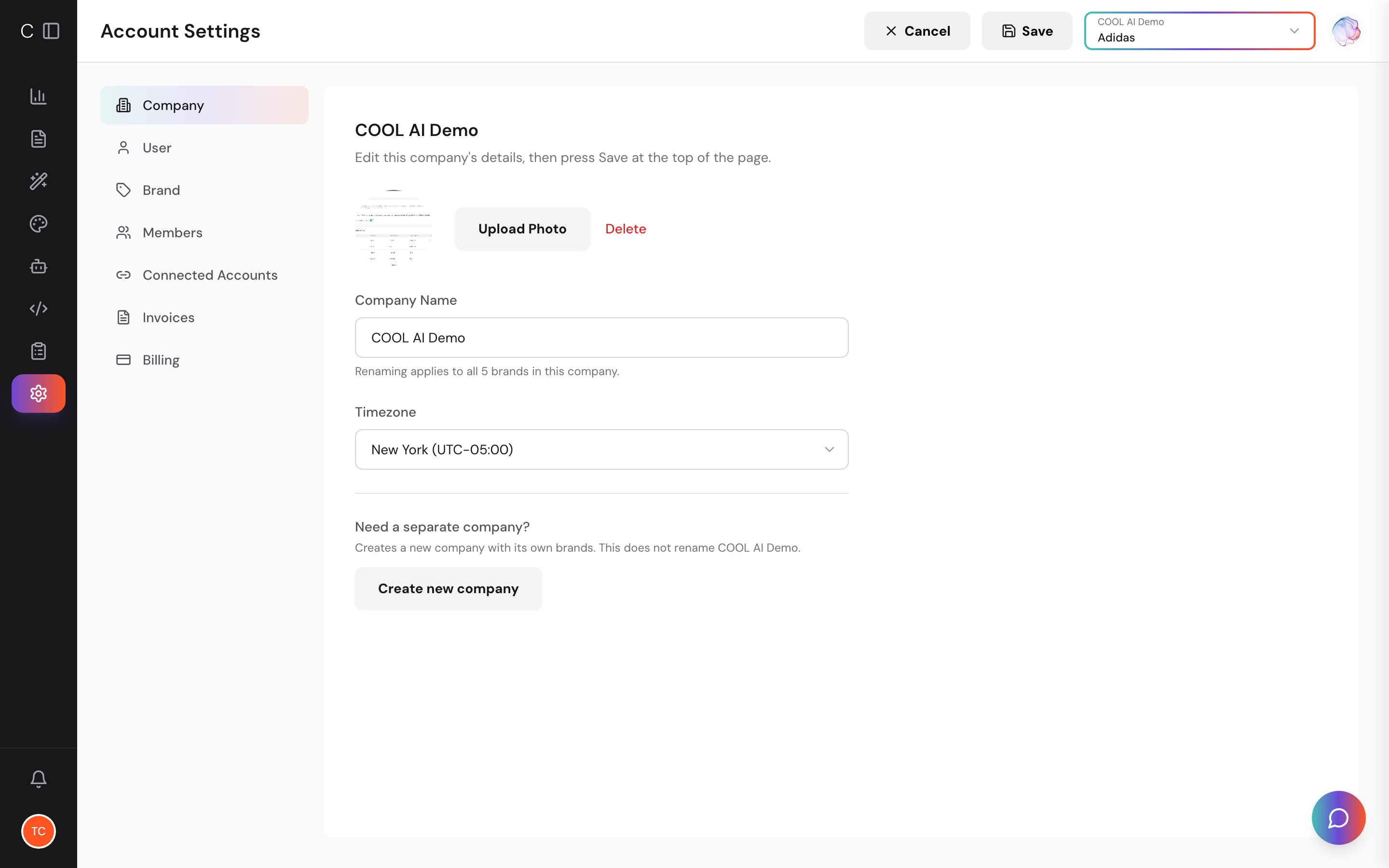
Settings covers your account, your team, and your company. Open it from the bottom of the left
sidebar. A secondary menu on the left of the Settings page switches between sections.
Before you beginWhat you can see and change depends on your role. The Billing and
Invoices tabs are visible only to Super Admins.
The tabs
| Tab | What you manage |
|---|---|
| Company | Company name, timezone, currency, and logo. You can also create a new company. |
| User Profile | Your own name, email, password, and avatar. |
| Members | Invite teammates, set their roles, approve pending members, and remove access. |
| Brands | Add, edit, and remove the brands your company manages. |
| Connected Accounts | Link Google, Meta, LinkedIn, and Adform so COOLAI can launch for you. |
| Billing | Plan, credits, and payment method (Super Admin only). |
| Invoices | Download past invoices (Super Admin only). |
Common tasks
- Invite a teammate → Members tab. See Inviting a team member.
- Connect an ad platform → Connected Accounts. See Connecting ad accounts.
- Add or edit a brand → Brands. See Companies & brands.
- Change your password → User Profile.
What's next
Updated about 2 months ago
Did this page help you?