

Sharing creatives
Send a public gallery link so clients and stakeholders can review creatives without a login.
Need a sign-off before launch? Share a creative set as a public gallery link. Recipients open
it in any browser without a COOLAI account, and interactive HTML5 creatives animate and play
just as they will in-market.
Before you beginHave a generated set in the Creatives library, and the right brand selected.
Steps
- In the Creatives library, select the creatives you want to share, then choose Share.
(You can select a few specific ads or the whole set.)
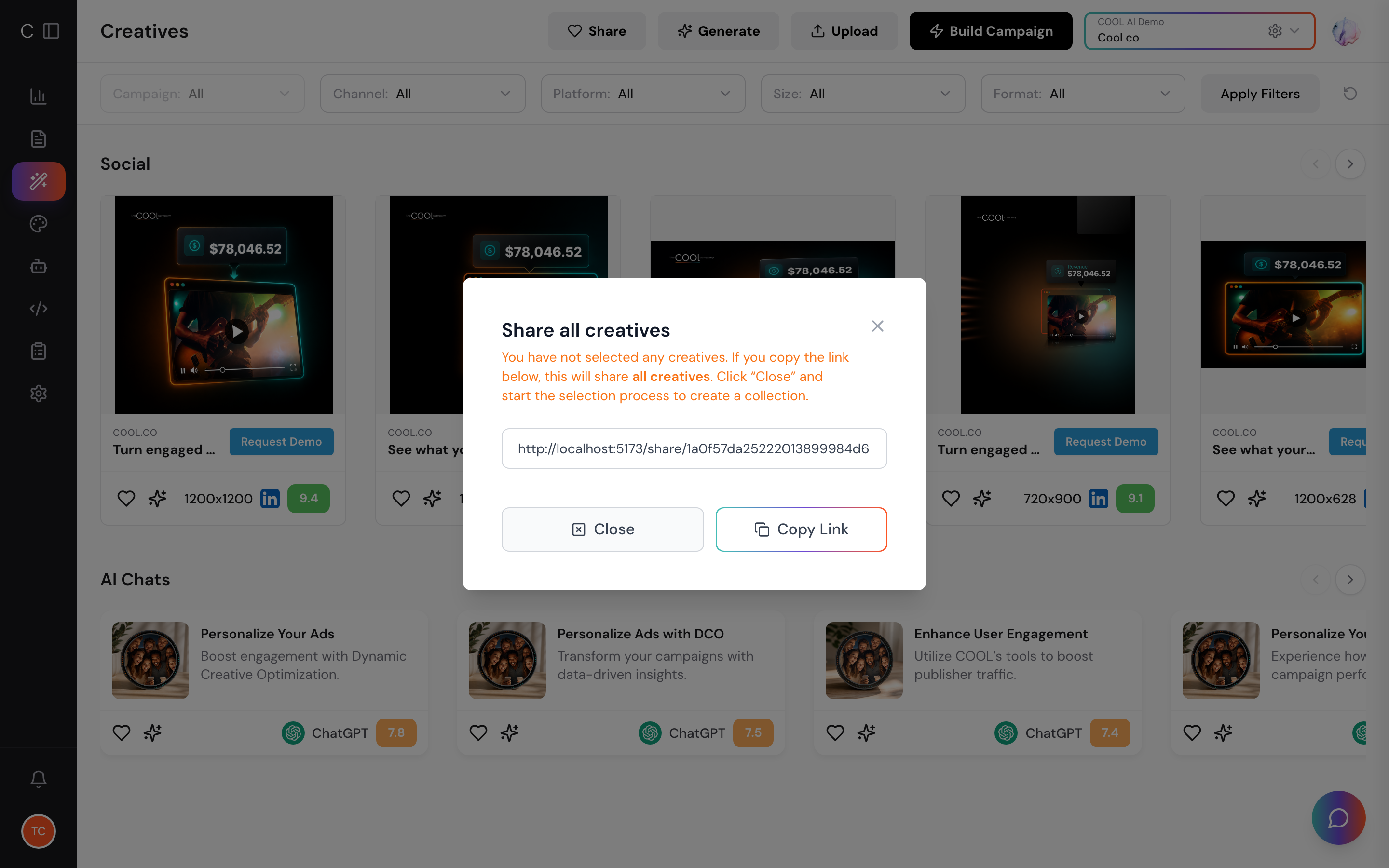
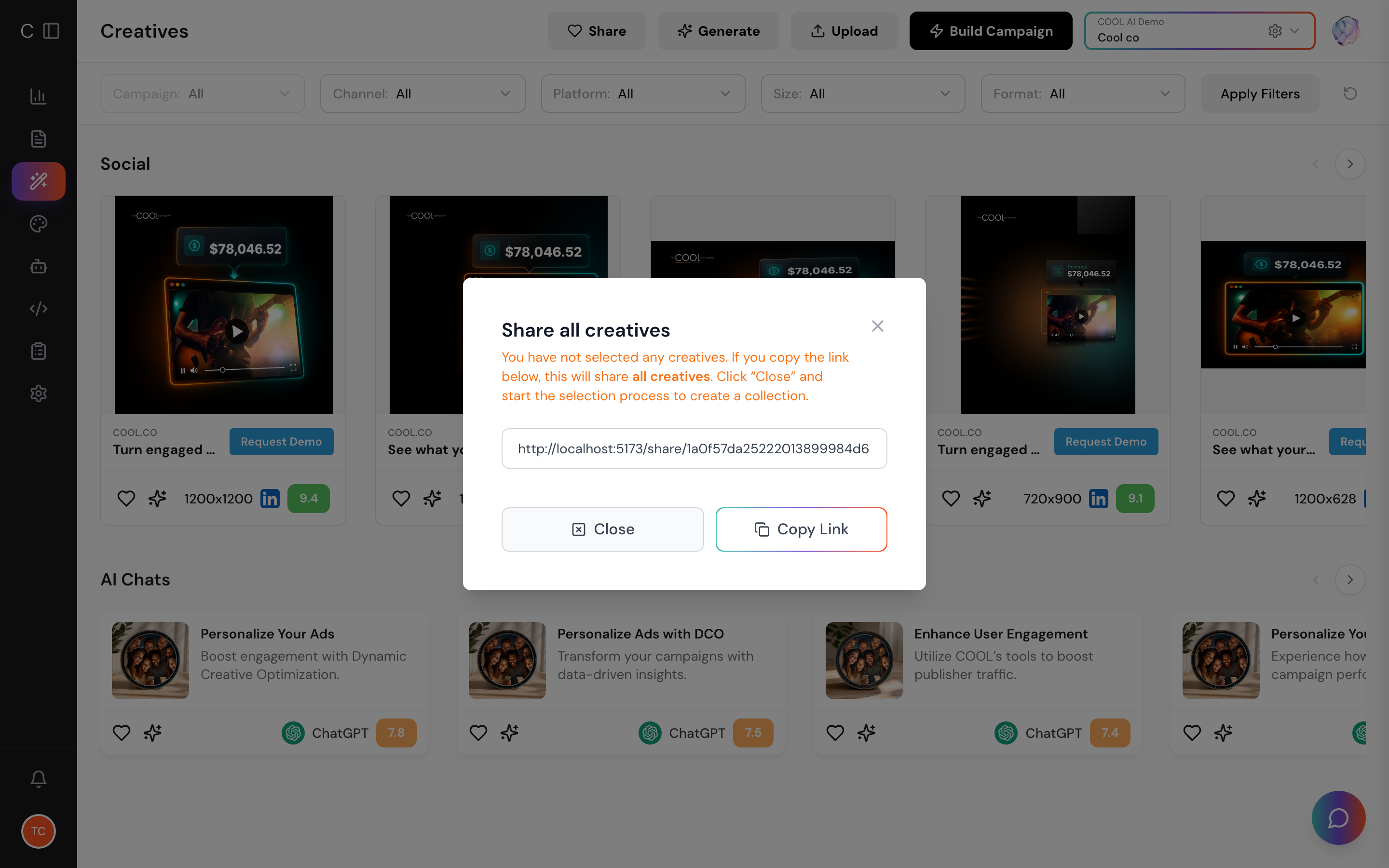
- COOLAI generates a public share link. Copy it.
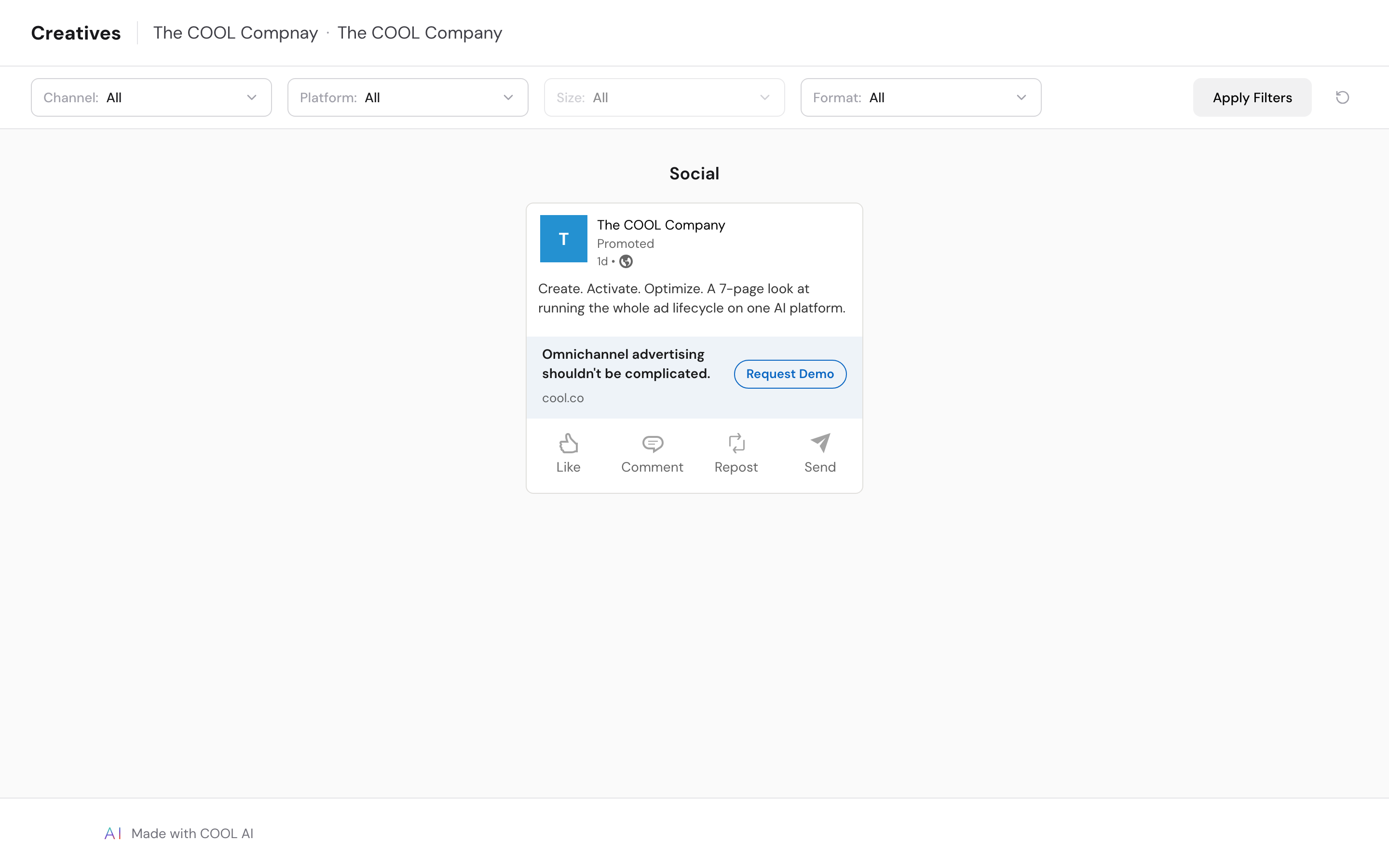
- Send the link to your reviewer. They open a read-only gallery of exactly the creatives
you selected. Animations and video play inline, so they see the real thing, not a flat
mockup.
TipThe gallery is read-only: reviewers can look but not change anything, so it's safe to send to
clients. Collect their feedback, make edits in Review & edit, and
re-share the updated set.
Watch outAnyone with the link can view the shared creatives. Share only with people you trust, and don't
post the link publicly.
What's next
Updated about 1 month ago
Did this page help you?