

Asking Chip about performance
Ask plain-language questions about your campaigns and get insights and next steps.
Once campaigns are live, you don't have to dig through dashboards to see what's working. Ask
Chip in plain language. It reads your campaign data, explains what it finds, and suggests what
to do next.
Before you beginYou need campaigns with live data. For conversion- and ROAS-related questions, make sure your
pixel is set up and verified so Chip has conversion data to work with.
Ask a question
Open AI Assistant from the sidebar, or the Chip drawer (bottom-right on any page), and ask
in plain language. For example:
- "Which creative is performing best this week?"
- "Why is my CPA higher on Meta than Google?"
- "Where should I move budget to improve ROAS?"
- "How are my conversions trending since last week?"
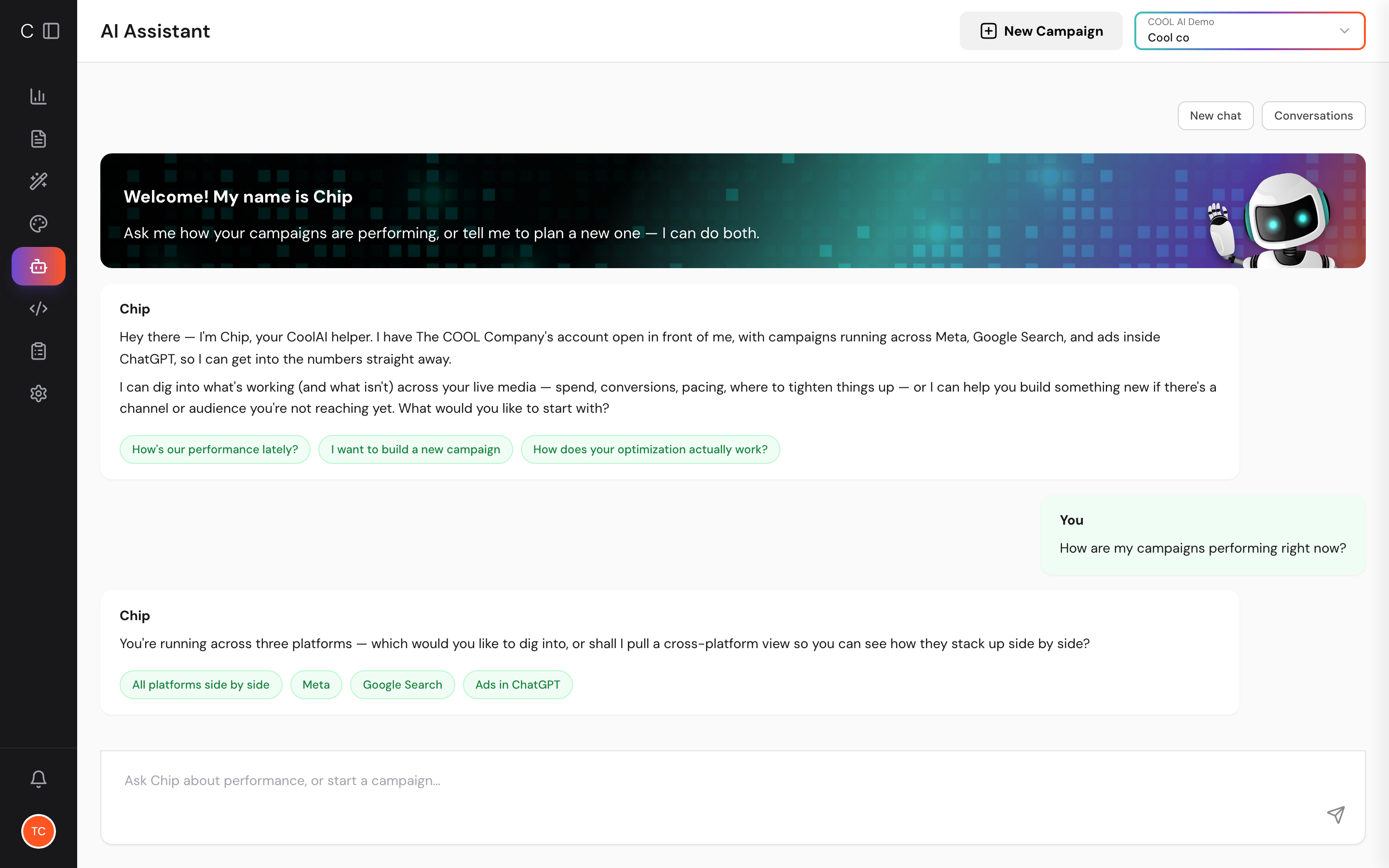
Chip answers with the numbers behind its reasoning and concrete next steps. You can keep the
conversation going: ask it to drill into a channel, compare date ranges, or explain a metric.
Turn insights into action
Chip's suggestions link back to where you act on them:
- Dig deeper in Analytics (channel breakdowns, conversion journeys).
- Adjust spend or targeting in Manage campaigns.
- Swap in stronger ads from Creatives using quality scores.
TipChip is best at the "why" and "what next." For a formal, shareable summary of results, build a
report instead.
What's next
Updated about 2 months ago