

Launching to platforms
Connect your ad accounts, choose a payment method, and push your campaign live to Google, Meta, LinkedIn, and Adform.
Once your campaign is set up, launch it to the platforms you advertise on. COOLAI creates the
campaign and line items and uploads your creatives on each platform for you.
Before you beginFinish creating the campaign (objective, audience, budget, and creatives),
then connect your ad accounts for each platform you plan to use.
Step 1: Confirm connected accounts
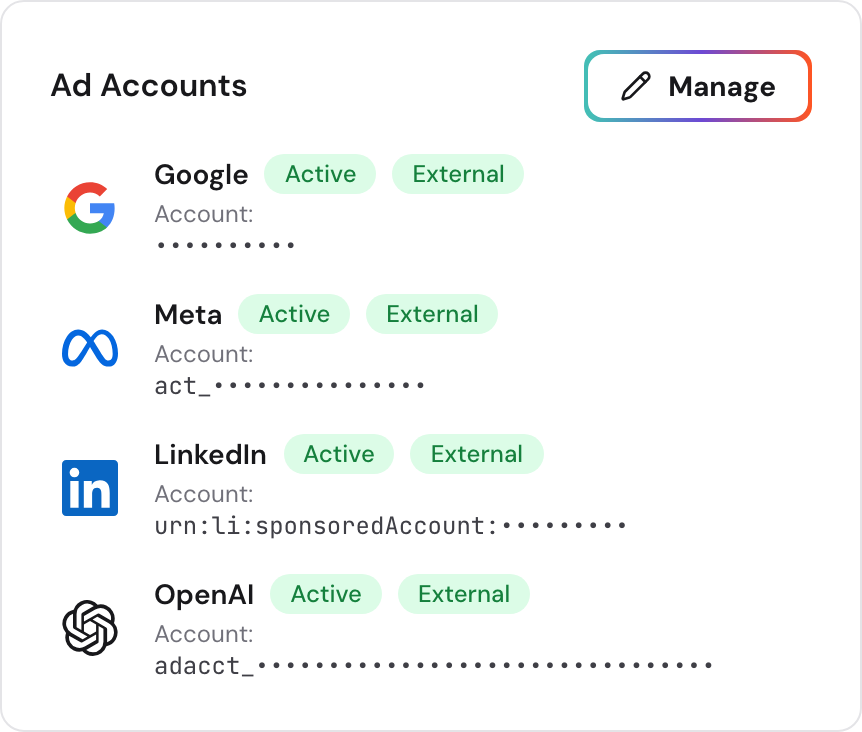
In the campaign's launch section, confirm that each target platform shows as Connected.
Connect any that don't.
Step 2: Choose a payment method
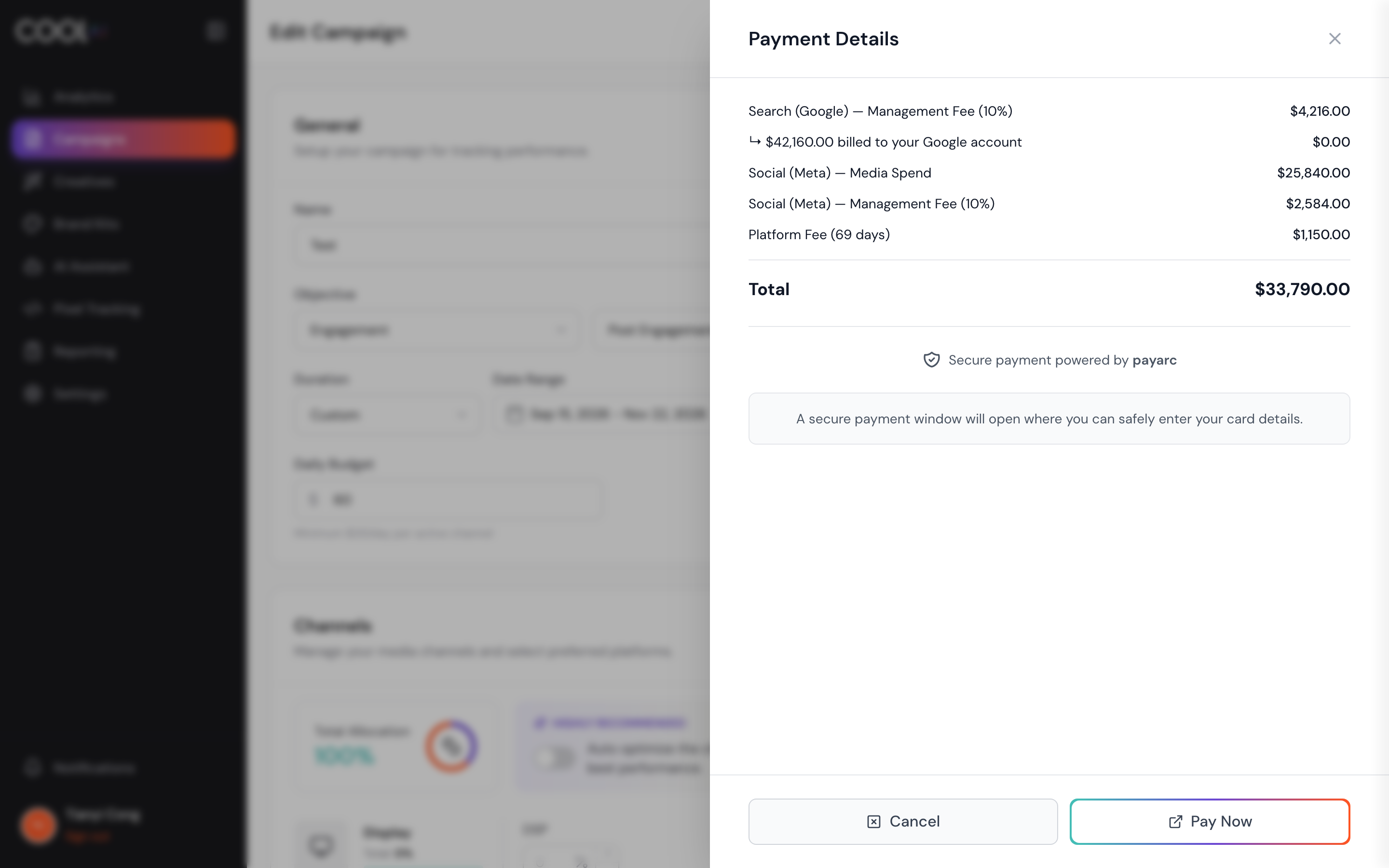
Select how you want to pay:
- Prepay: pay now by credit or debit card.
- Postpay: receive an invoice (for agencies and enterprise accounts).
Step 3: Review and activate
Review the campaign summary (targeting, budget, creatives, and platforms), then click Activate
campaign.
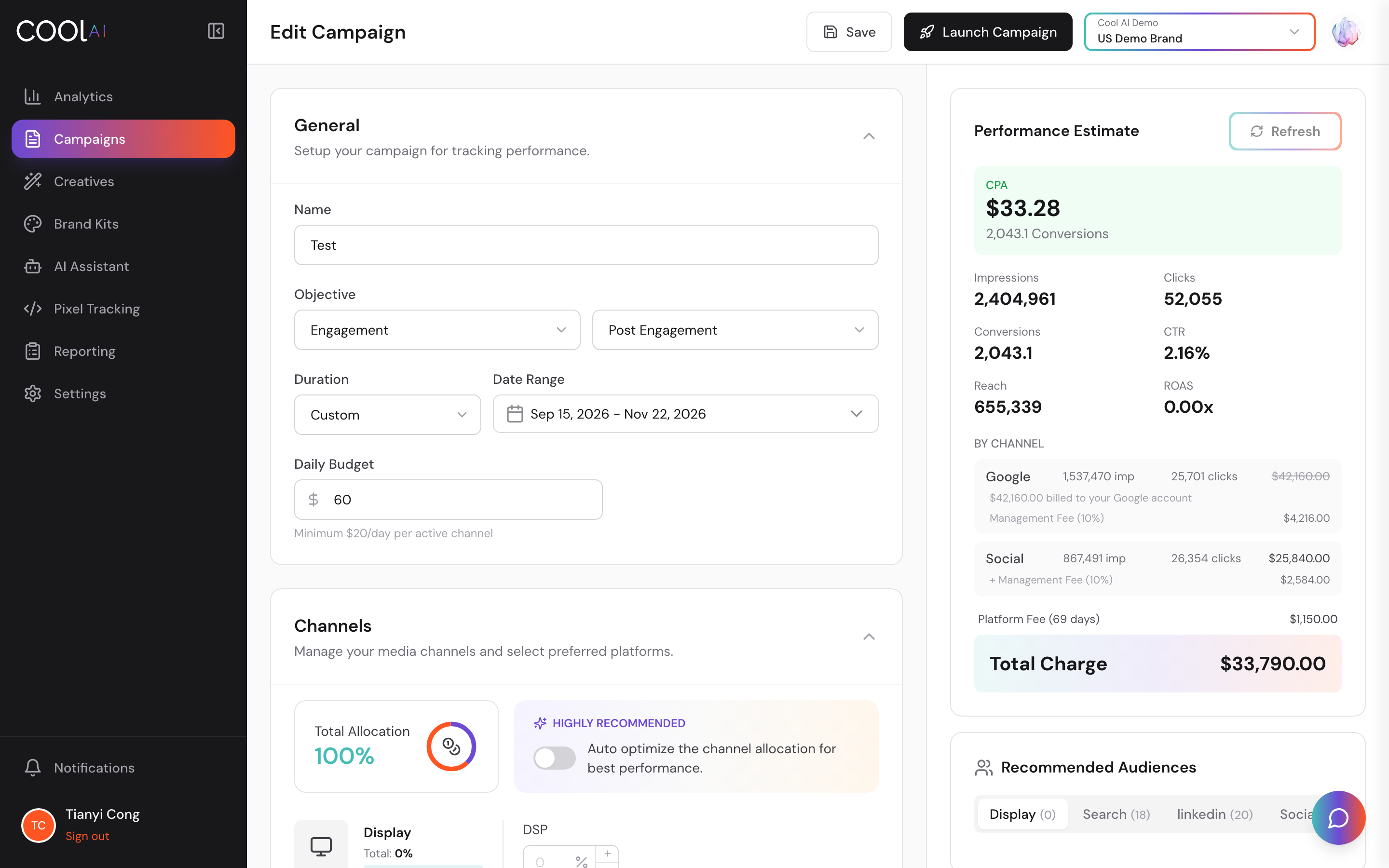
COOLAI pushes the campaign to each platform, creates line items with your targeting, and uploads
your creatives. The campaign status changes to Active.
Watch outSet up pixel tracking before or just after launch so conversions are
captured from day one.
What's next
Updated about 1 month ago