

Setting up a campaign with Chip
Build a campaign brief with Chip step by step, then hand it off to creative generation and campaign setup.
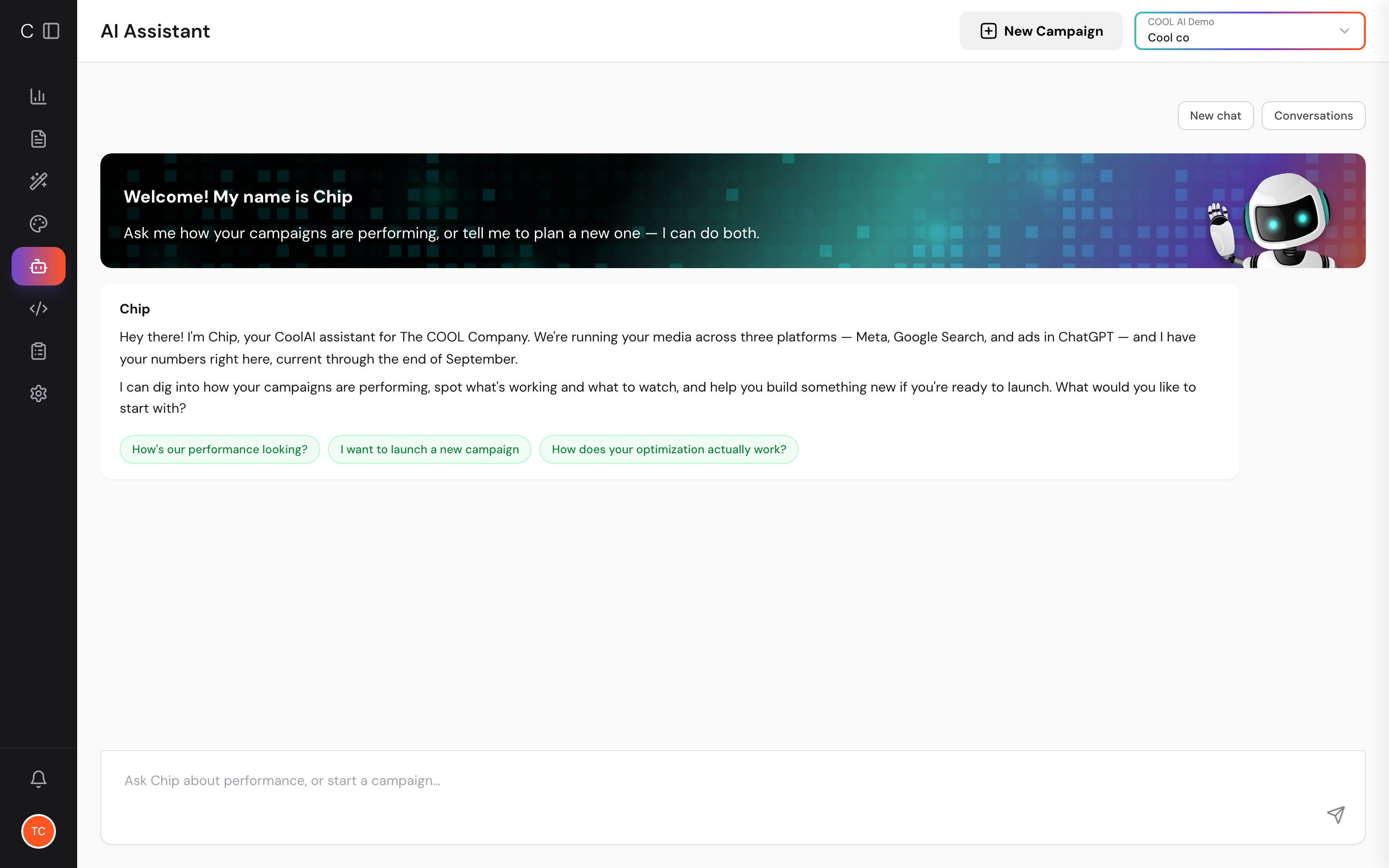
Chip builds the brief with you through a short conversation, then hands off to creative
generation and campaign setup. No forms required.
Before you beginHave a brand kit ready so Chip can generate on-brand creatives.
The guided brief
Open AI Assistant and tell Chip what you want (e.g. "Help me create a campaign for my Q4
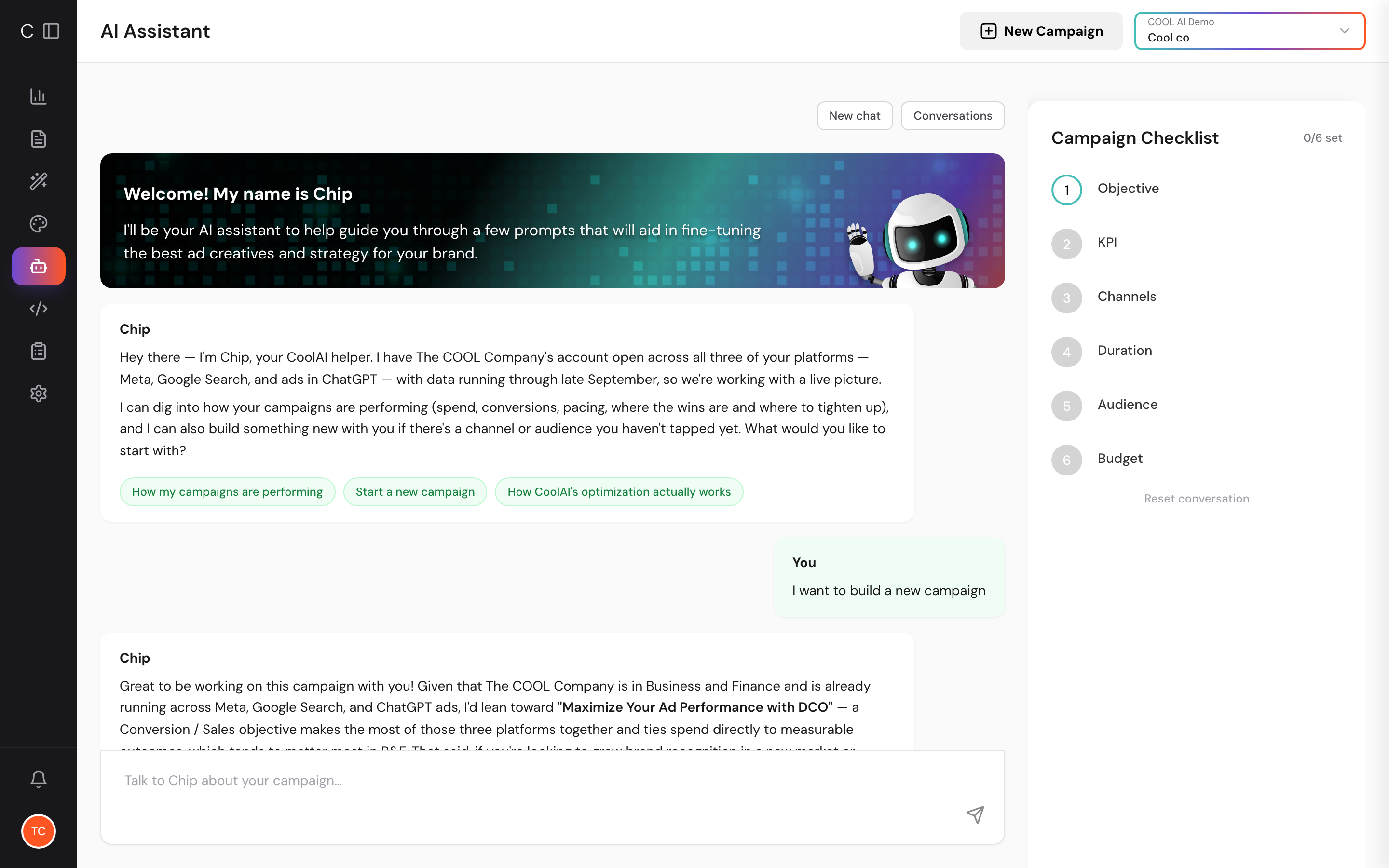
sale"). Chip walks through six steps and recommends an answer at each one based on your brand:
- Objective: awareness, traffic, conversions…
- KPI: CPA, ROAS, CTR…
- Channels: Display, Search, Social…
- Duration: flight dates.
- Audience: who to reach.
- Budget: how much to spend.
The checklist beside the chat tracks your progress. You can accept Chip's suggestions as-is,
answer in any order, jump back to edit a step, or ask Chip to explain a recommendation.
Generate
When the brief is complete, choose Generate creatives. Chip starts generation and pre-fills the
campaign from your answers, so you land on a campaign that's ready to review and launch.
TipNot ready to finish? Your draft is saved. Step away and resume the brief later where you left off.
What's next
Updated about 2 months ago