

Managing your brand kit
Review and refine your brand profile, colors, fonts, and assets so every creative stays on-brand.
After a scan builds your brand kit, open the Brand Kit Manager to review what COOLAI found and
refine anything that's off. Everything here feeds creative generation, so clean-up here improves
every ad.
Before you beginOpen Brand Kits and click a brand card (or Open Kit) to launch its manager.
The Brand Kit Manager
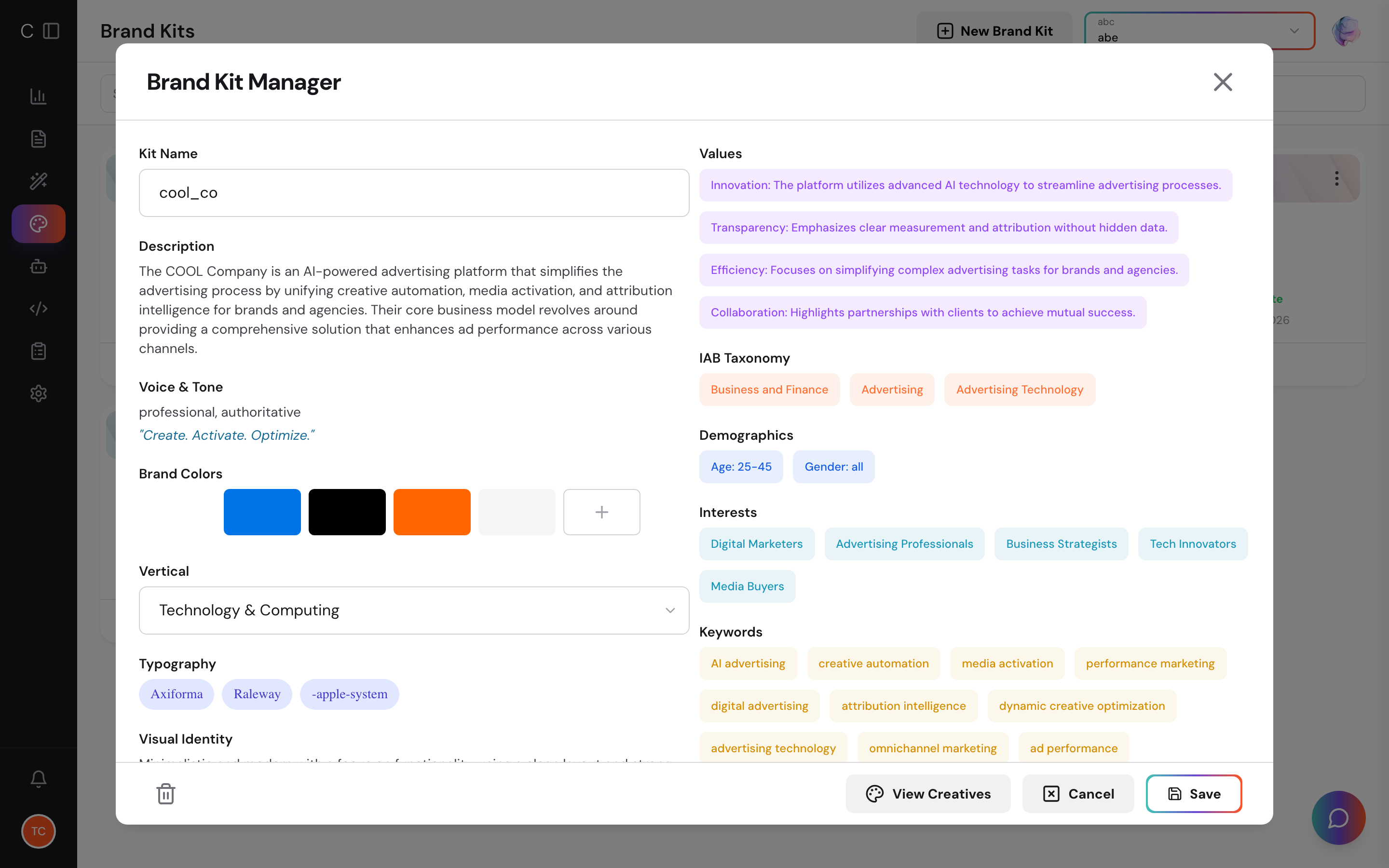
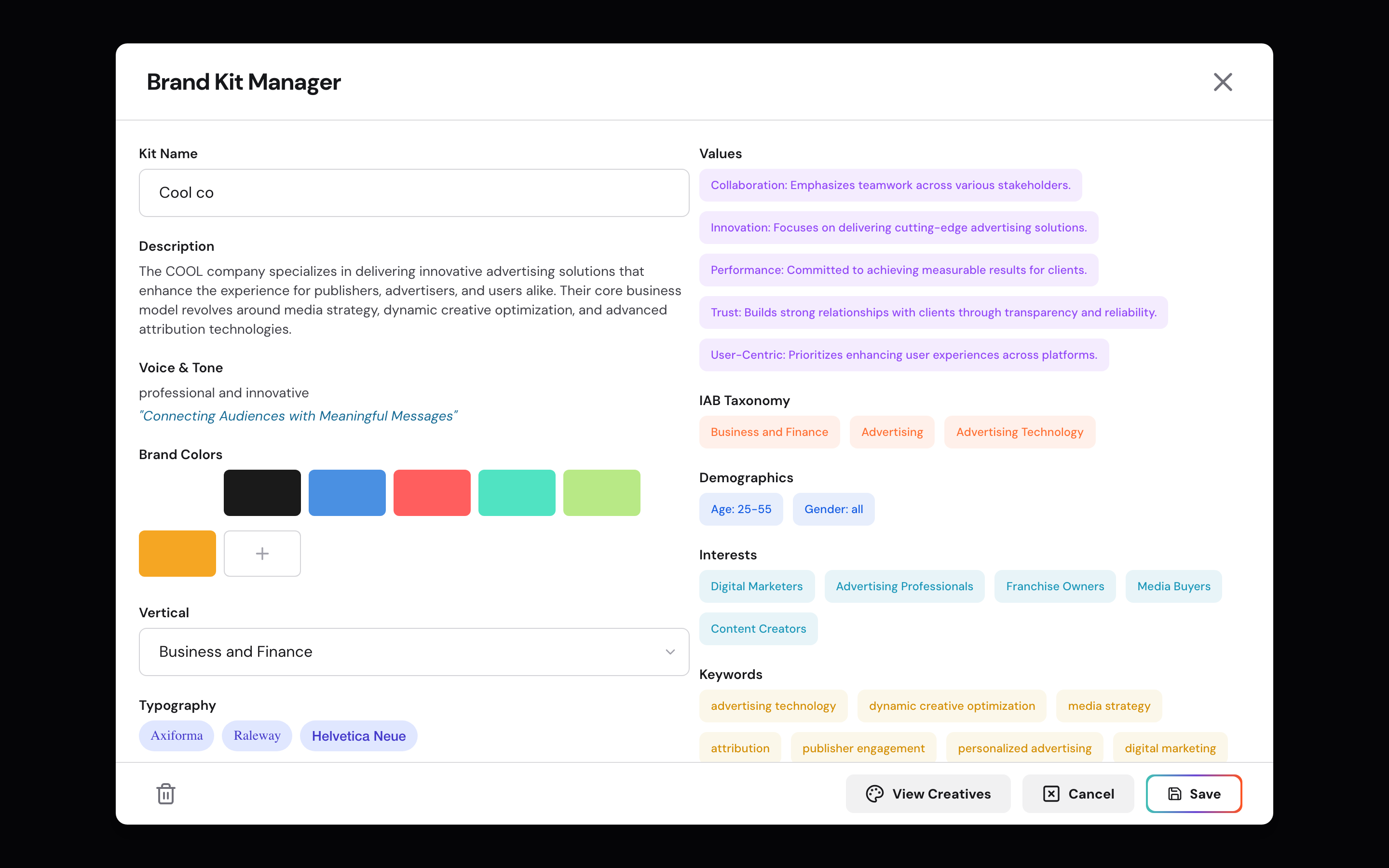
The manager shows the full brand profile COOLAI extracted, all editable:
- Kit name, description, and voice & tone (how your brand speaks)
- Brand colors: your palette
- Typography: the fonts used in creatives
- Vertical / industry and values
- Audience intelligence: demographics, interests, and keywords
Edit any field and click Save. Use View Creatives to jump straight to this brand's ads.
Colors, fonts & visual identity
Review the detected color palette and fonts and correct any that are wrong. COOLAI applies
these directly to generated creatives, so accuracy matters. Add logos or product/lifestyle imagery
(PNG/JPEG; MP4 for video) if the scan missed them, and remove anything outdated.
TipKeep at least one high-resolution logo and a few strong product images, and double-check the
brand colors. They have the biggest visible effect on creative quality.
What's next
Updated about 2 months ago