

Campaigns overview
How campaigns work in COOLAI: objective, audience, budget, creatives, and launch across platforms.
A campaign combines an objective, a target audience, a budget, and a set of
creatives. You launch it to one or more platforms and measure it in one place. COOLAI handles
the platform-specific setup: campaigns, line items, and creative uploads.
The campaign lifecycle
- Create: set objective, channels, and flight dates. See Create a campaign.
- Target: define who sees your ads. See Audience targeting.
- Budget & bid: decide spend and bid strategy. See Budget & bidding.
- Launch: connect accounts, choose payment, go live. See Launch to platforms.
- Manage: pause, resume, and adjust. See Manage campaigns.
The Campaigns page
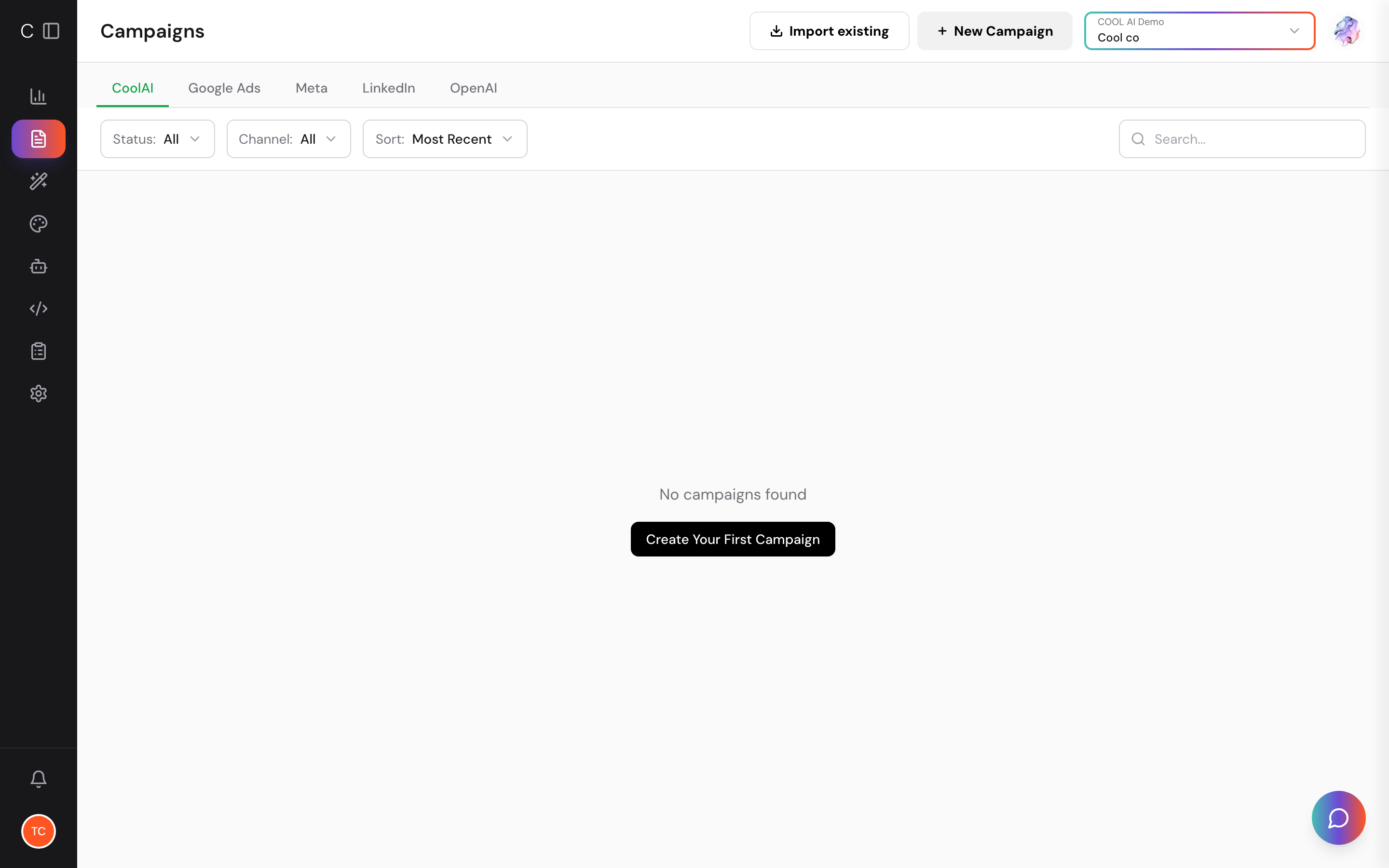
Open Campaigns from the sidebar. Campaigns are organized by platform tabs (CoolAI, Google
Ads, Meta, and LinkedIn), and each shows its status: Draft, Active, Paused, or Completed. From here
you can start a New campaign, Upload Brief, or Import existing campaigns.
Supported platforms
Google Ads · Meta (Facebook & Instagram) · LinkedIn · Adform.
You can also import existing campaigns from a connected account and manage and
report on them inside COOLAI.
What's next
Updated about 2 months ago