

Logging in
Sign in to COOLAI and reset your password if you're locked out.
Sign in to reach your dashboard, campaigns, and creatives.
Before you beginYou need a COOLAI account. If you were just invited, first
accept your invitation to set your password.
Steps
- Go to the COOLAI login page at app.coolmedia.ai.
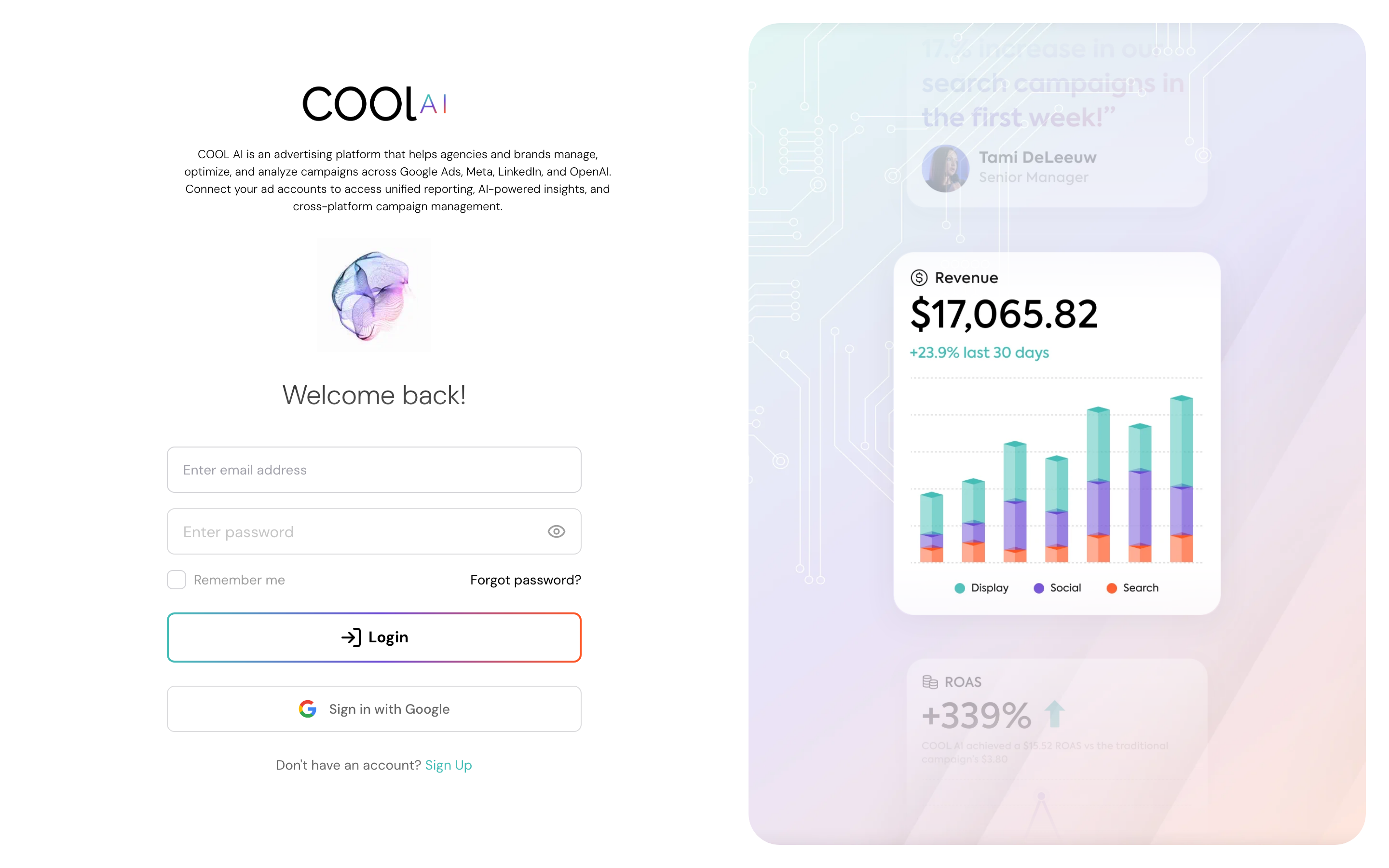
- Enter your email and password and click Login, or click Sign in with Google
to use your Google account. Tick Remember me to stay signed in on this device. - You land on your Dashboard (or the onboarding wizard if setup isn't finished).
TipUse the same method you set up with. If you accepted your invite with email and password, sign
in that way. If you used Google, use Sign in with Google.
Forgot your password?
- Click Forgot password? on the login page.
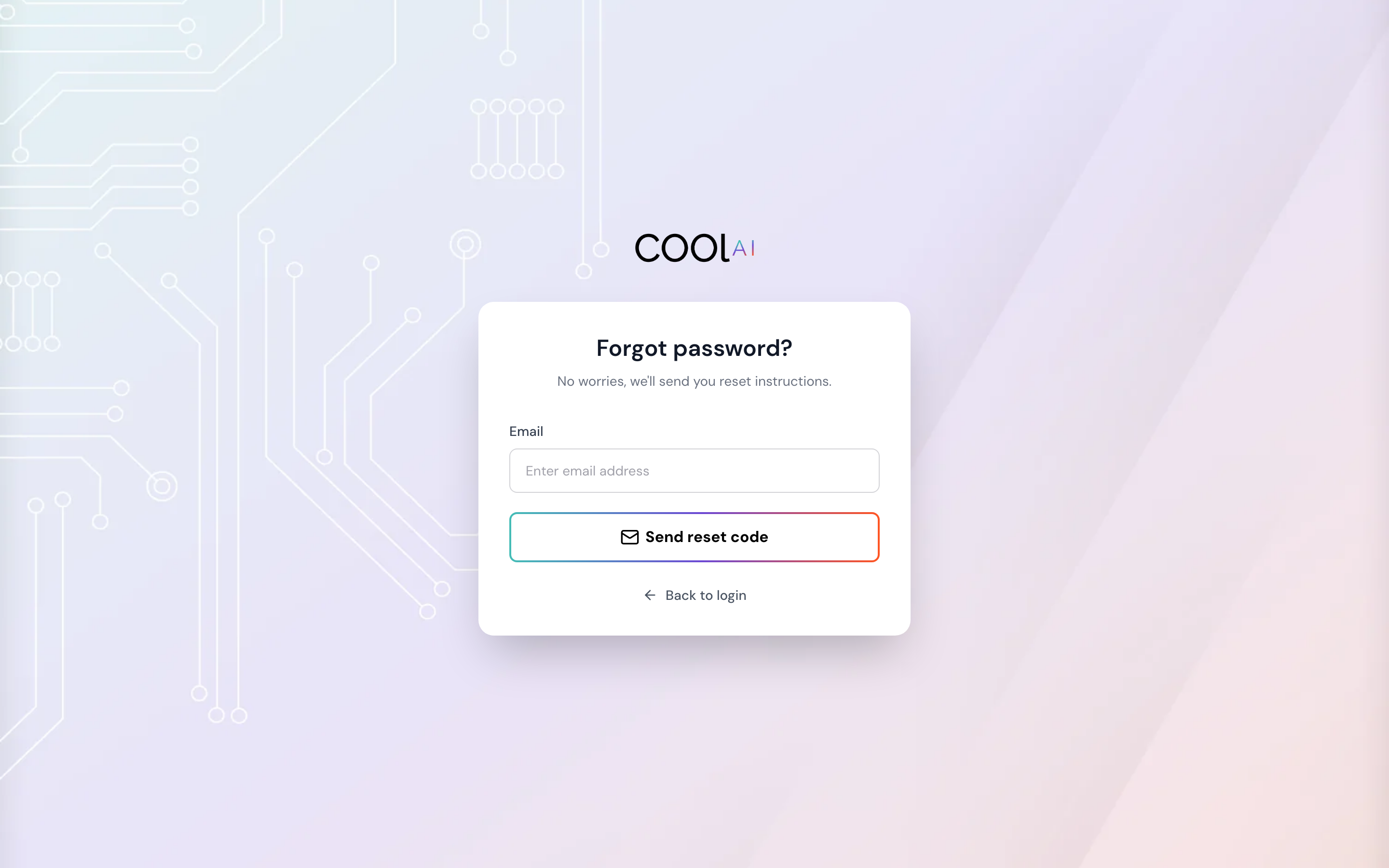
- Enter your email; COOLAI sends a reset code.
- Enter the code, choose a new password, and sign in with it.
What's next
Updated about 2 months ago
Did this page help you?