

Importing existing campaigns
Bring campaigns you already run on Google, Meta, or LinkedIn under COOLAI management.
Already running campaigns on another platform? Import them to monitor performance and optimize
everything from one place in COOLAI, without rebuilding anything.
Before you beginConnect the ad account for the platform you're importing from. COOLAI
can only see campaigns on accounts you've connected.
Steps
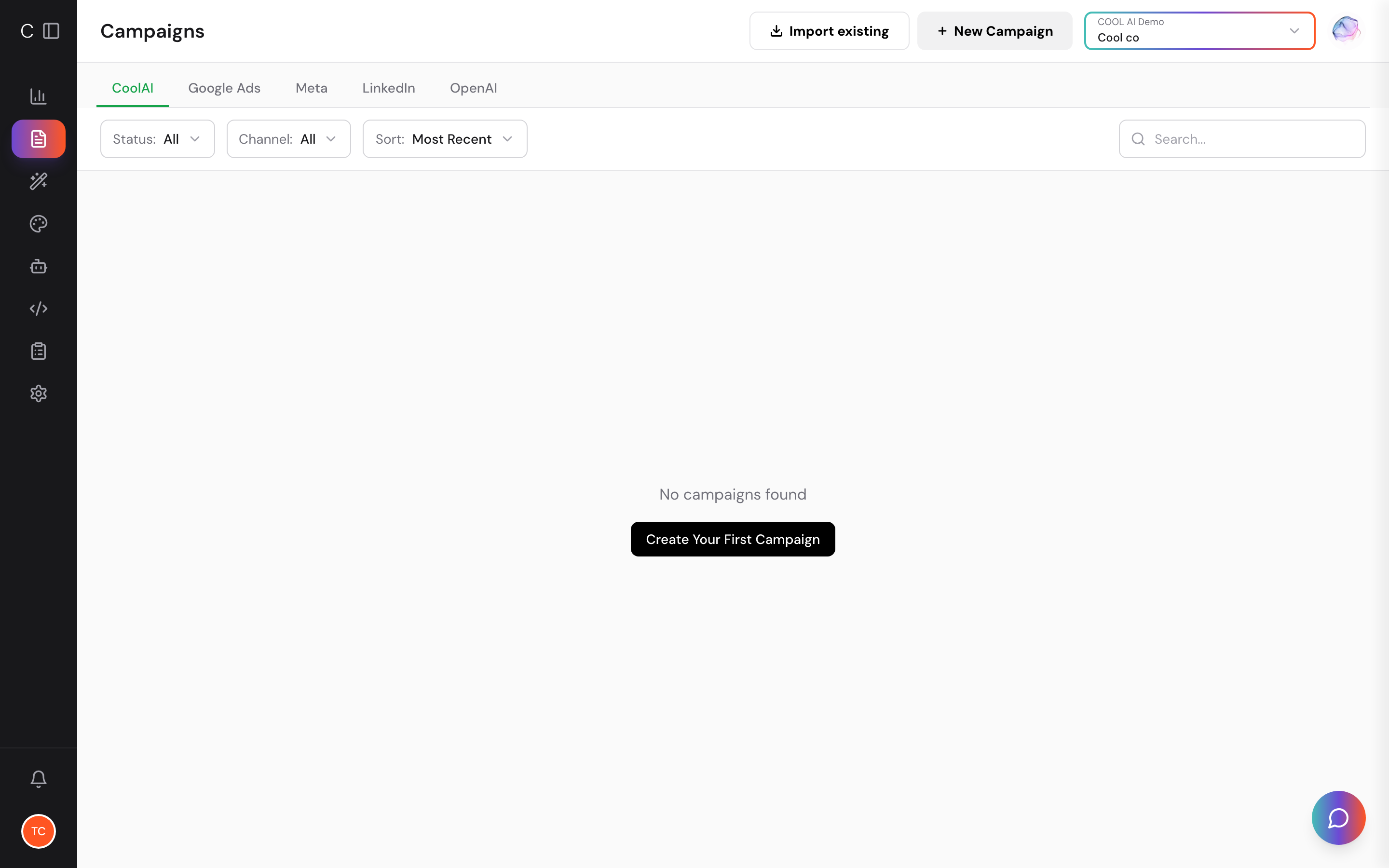
- On the Campaigns page, switch to the platform's tab (Google Ads, Meta, or
LinkedIn) and choose Import.
- COOLAI lists the live campaigns it finds on that connected account. Select the ones you
want to bring under management.
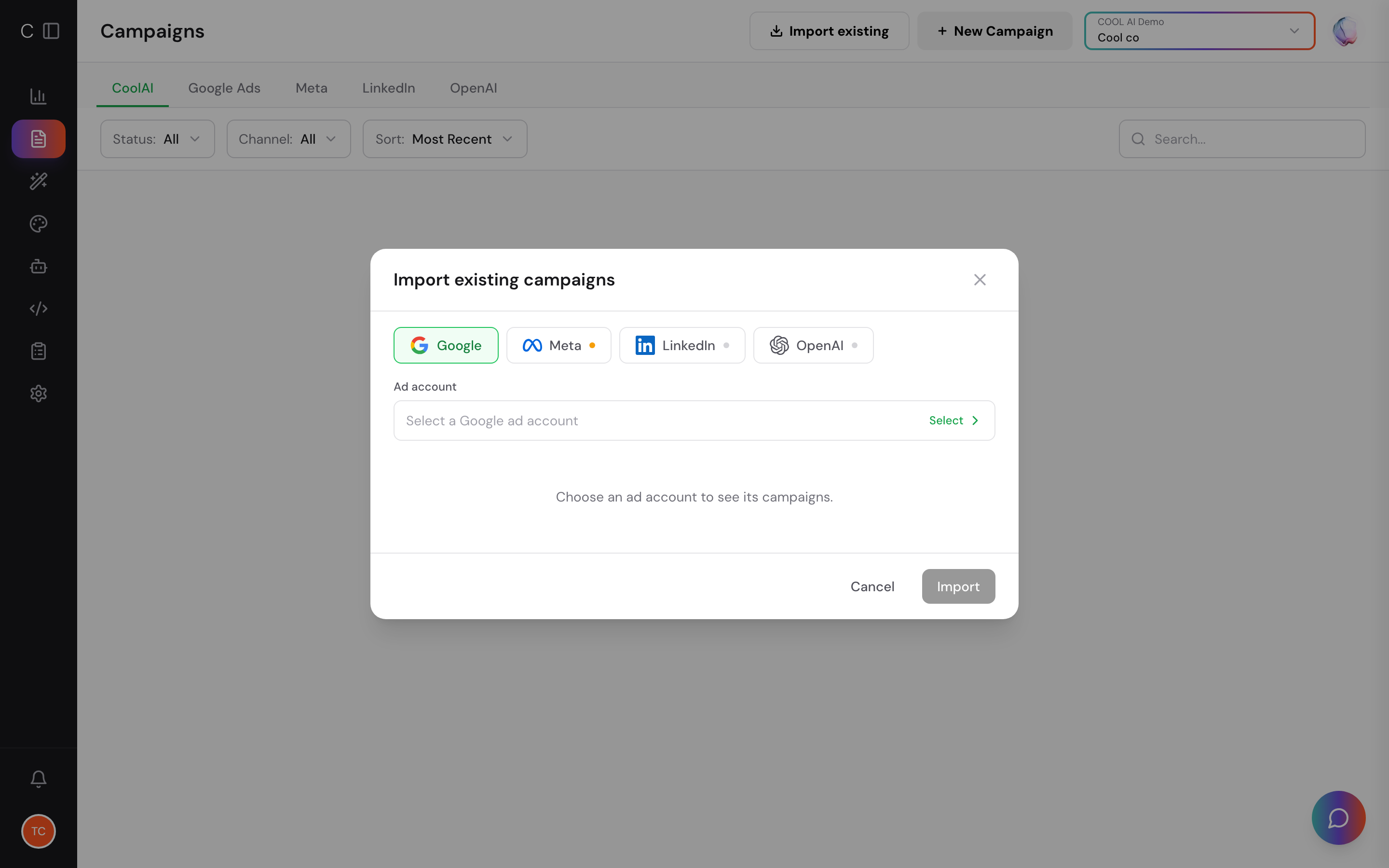
- Confirm. Imported campaigns appear in your Campaigns list alongside COOLAI-created ones,
and their performance flows into Analytics and Reporting.
TipImporting doesn't change your campaigns on the platform. It links them so you can track and
manage them in COOLAI, and you can keep editing them here or on the native platform.
What's next
Updated about 2 months ago
Did this page help you?