

Rescanning & editing a brand kit
Refresh a brand kit after your website changes, or fix an incomplete profile.
Brands change: you refresh your site, launch new products, or tweak your look. When that happens,
rescan to pull the latest into your brand kit. Rescanning is also the fix when a scan comes back
incomplete.
Before you beginOpen Brand Kits and select the brand you want to refresh. You need an Admin or
Super Admin role.
Rescan a website
- Open the brand kit manager and choose Rescan website.
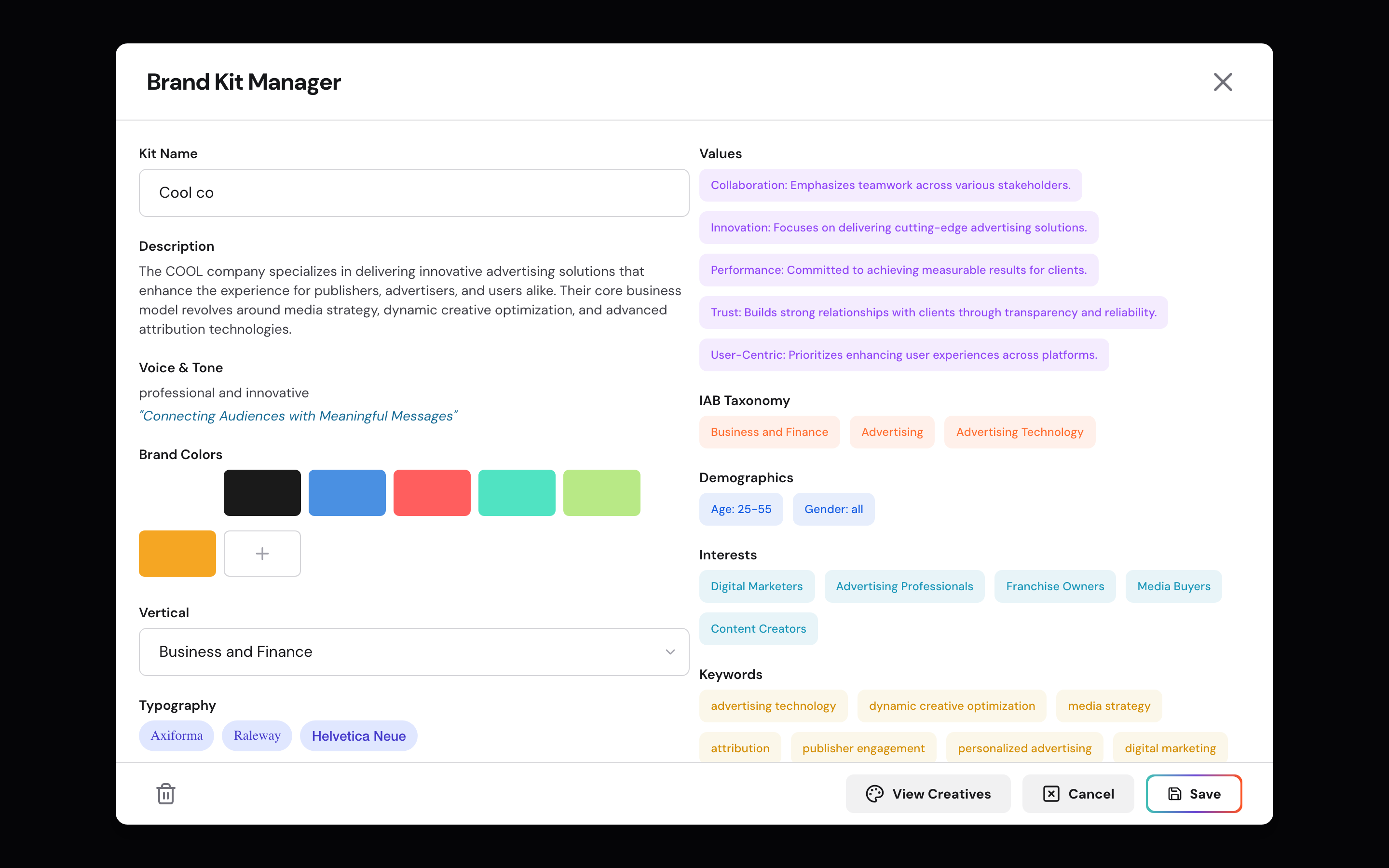
- Confirm the URL and start the scan. Progress runs through the same
Initializing → Scanning → Processing → Complete stages as the first scan (a few minutes). - Review the refreshed profile, colors, fonts, and assets, and adjust anything by hand.
Watch outA rescan refreshes the brand profile. If you've hand-edited fields, double-check them after the
scan in case the new scan changed them.
Fix an incomplete profile
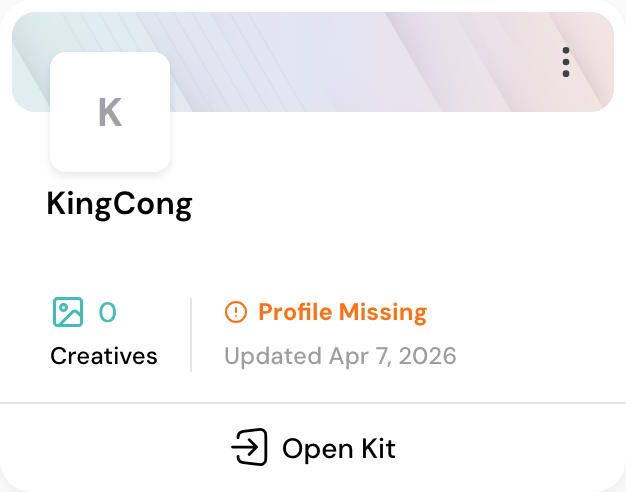
A Profile Missing or Incomplete status means COOLAI couldn't extract enough from the site.
To fix it:
- Rescan with a better URL: point it at your homepage rather than a thin landing page or a
site that blocks crawlers. - Fill it in manually: add the missing logo, colors, or details in the manager. See
Manage your brand kit.
What's next
Updated about 2 months ago
Did this page help you?